Advanced Blend Modes
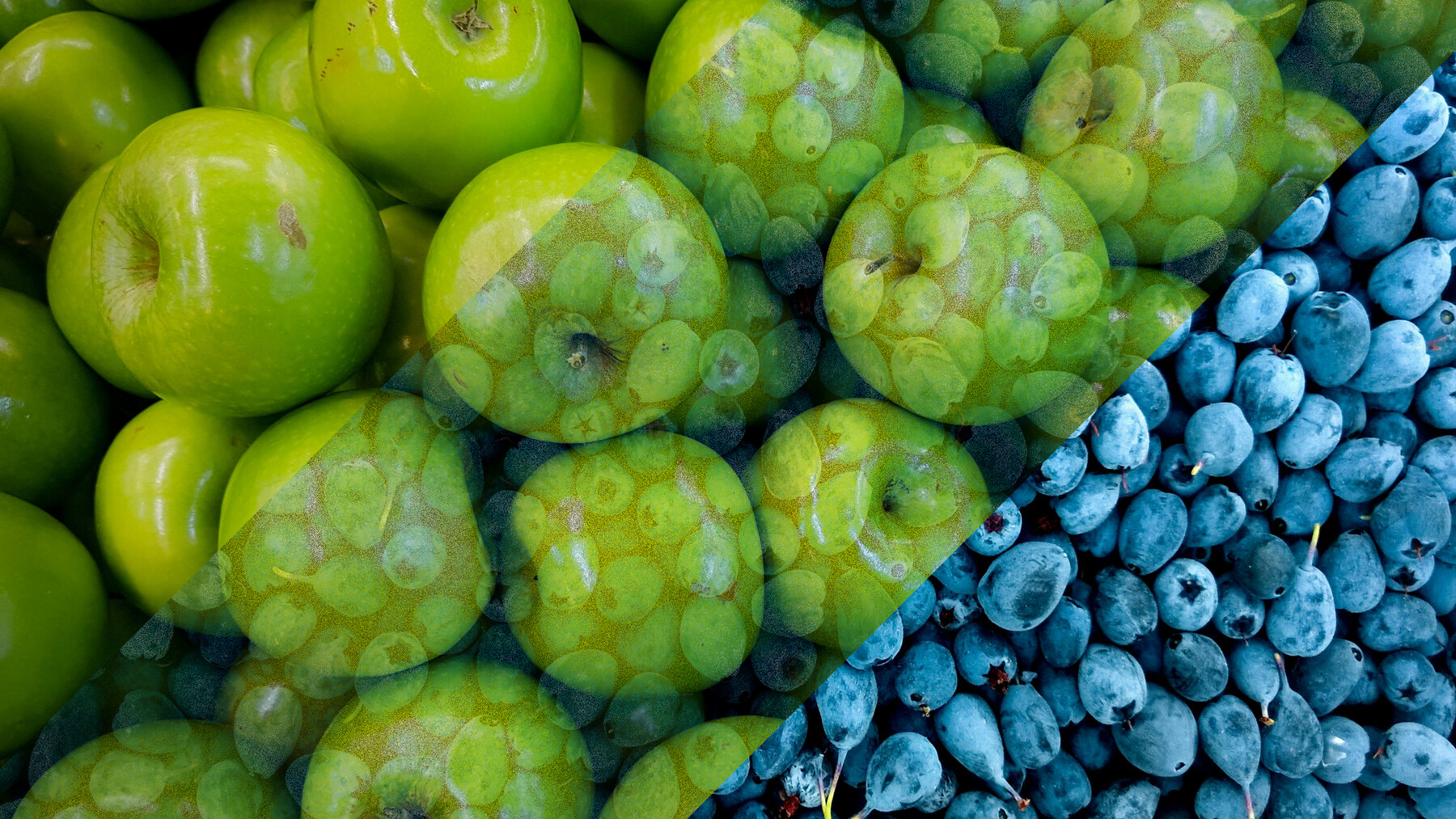
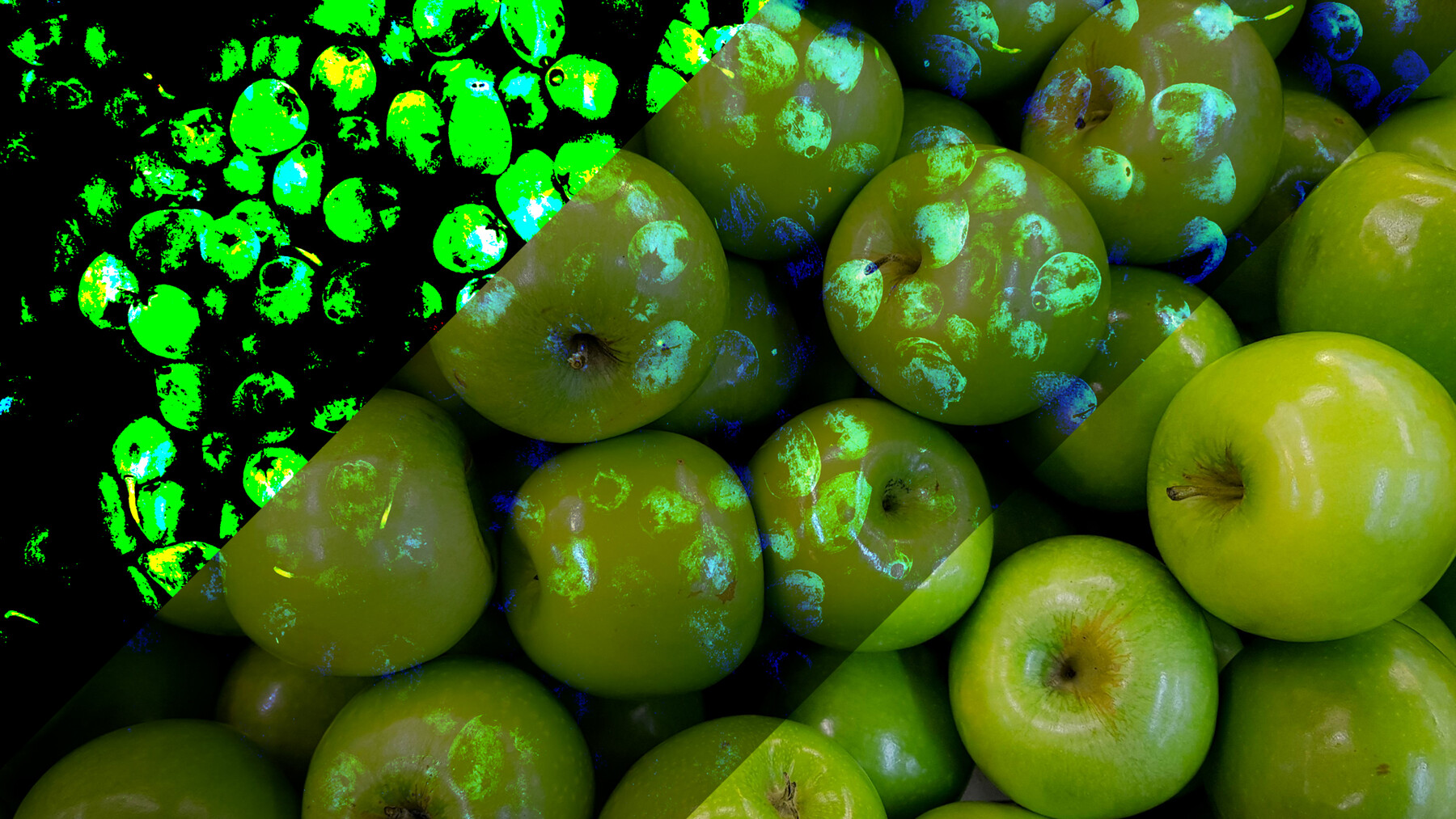
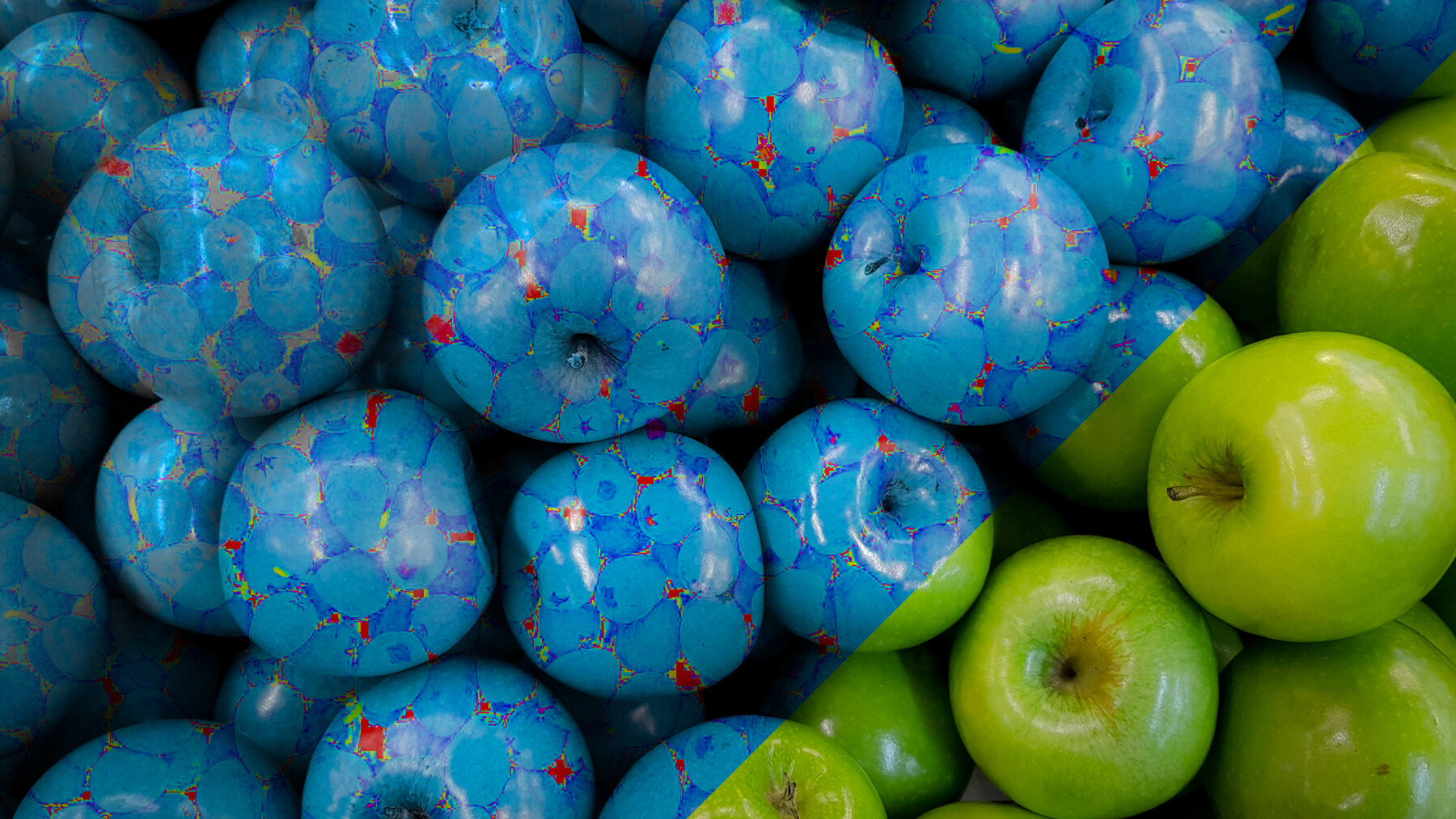
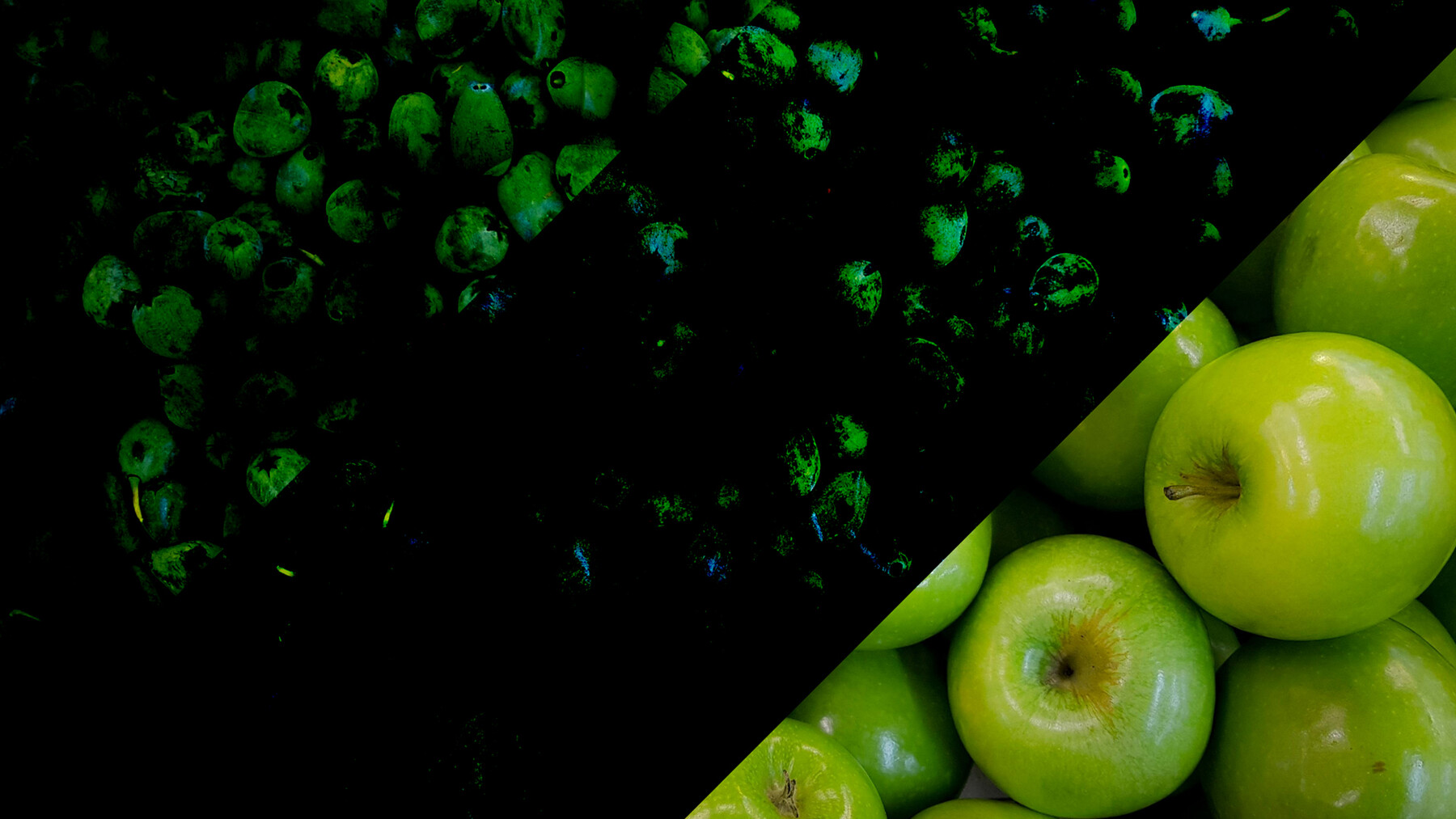
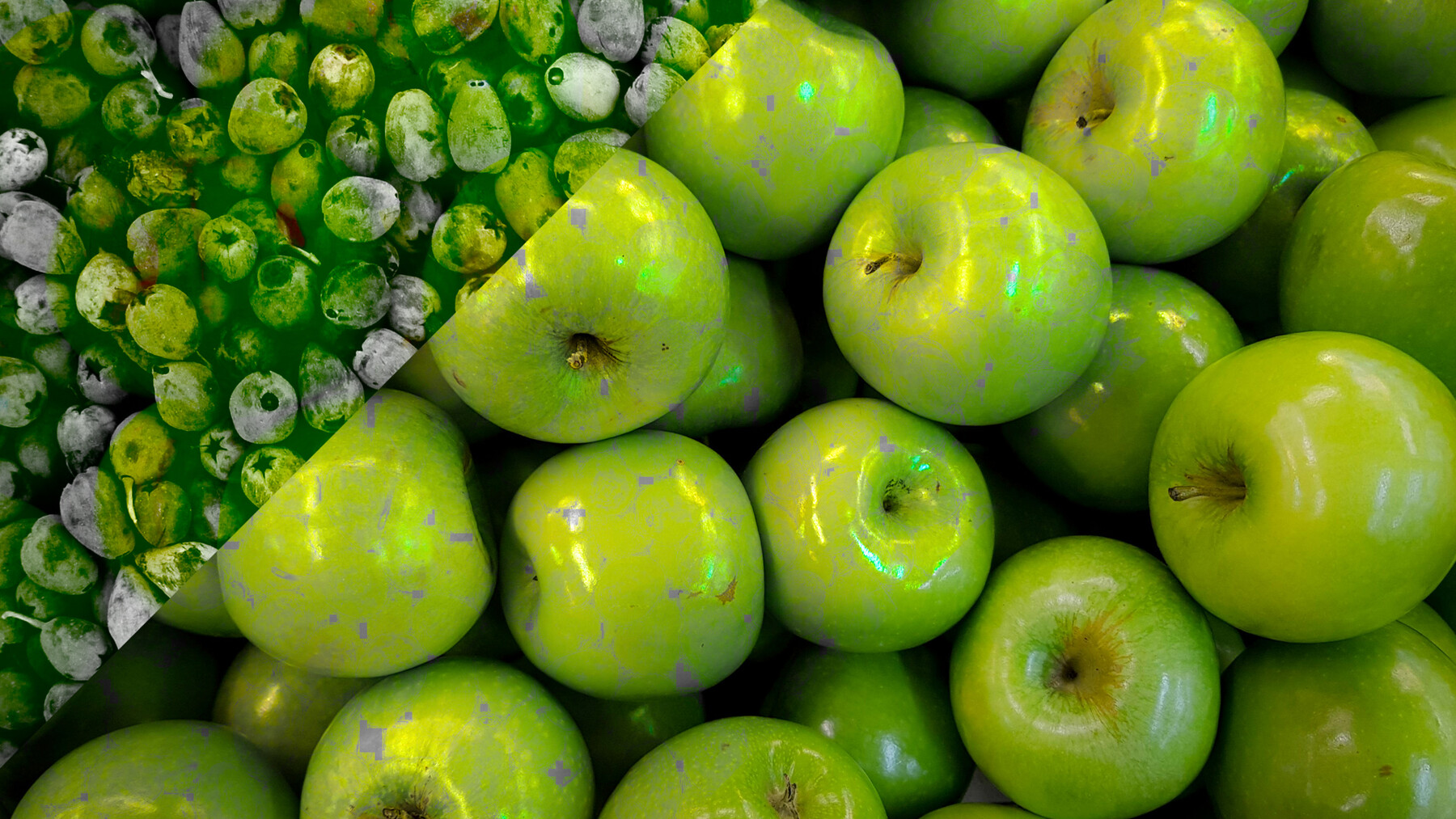
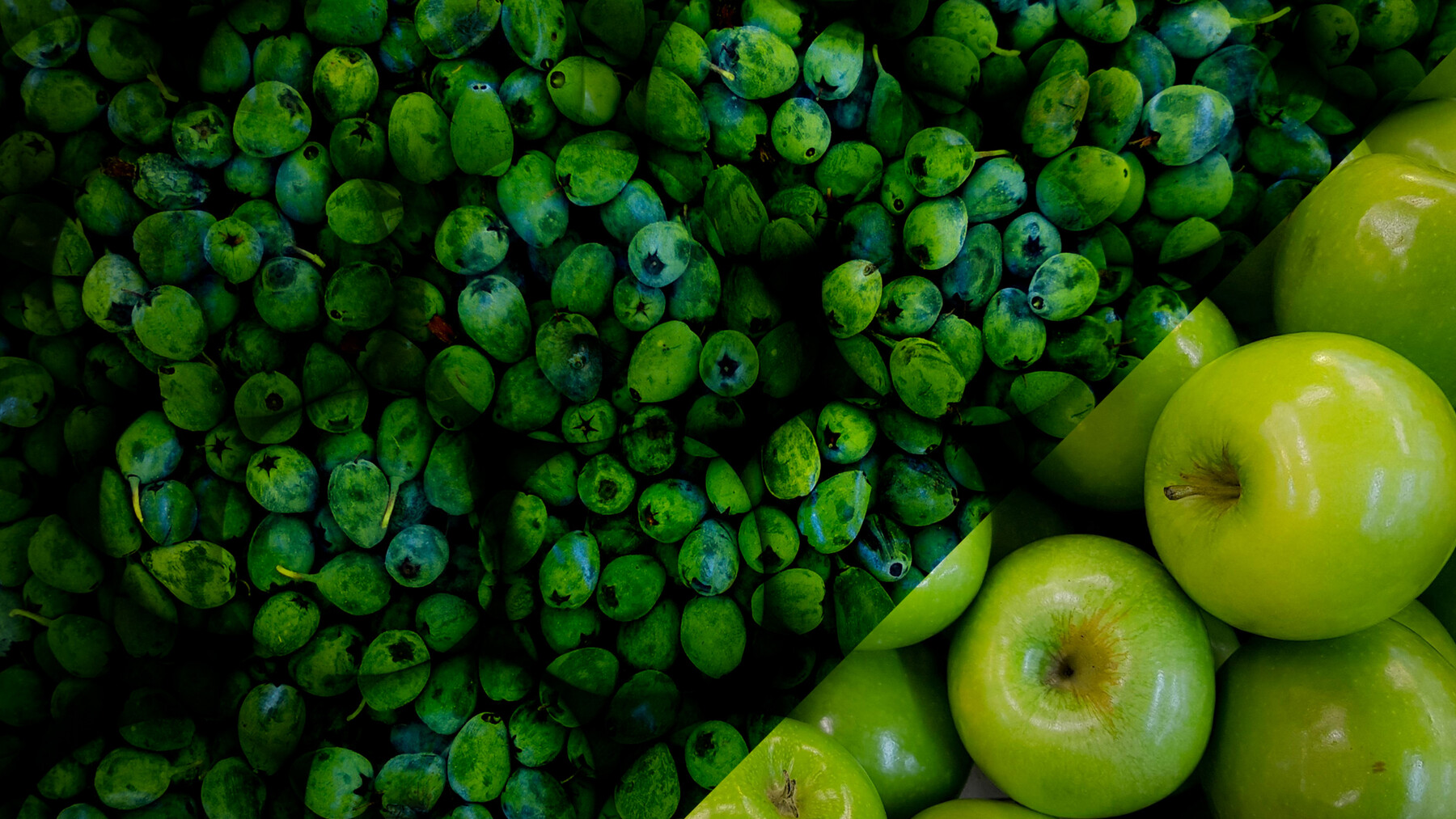
Advanced Blend Modes Node for Substance Designer
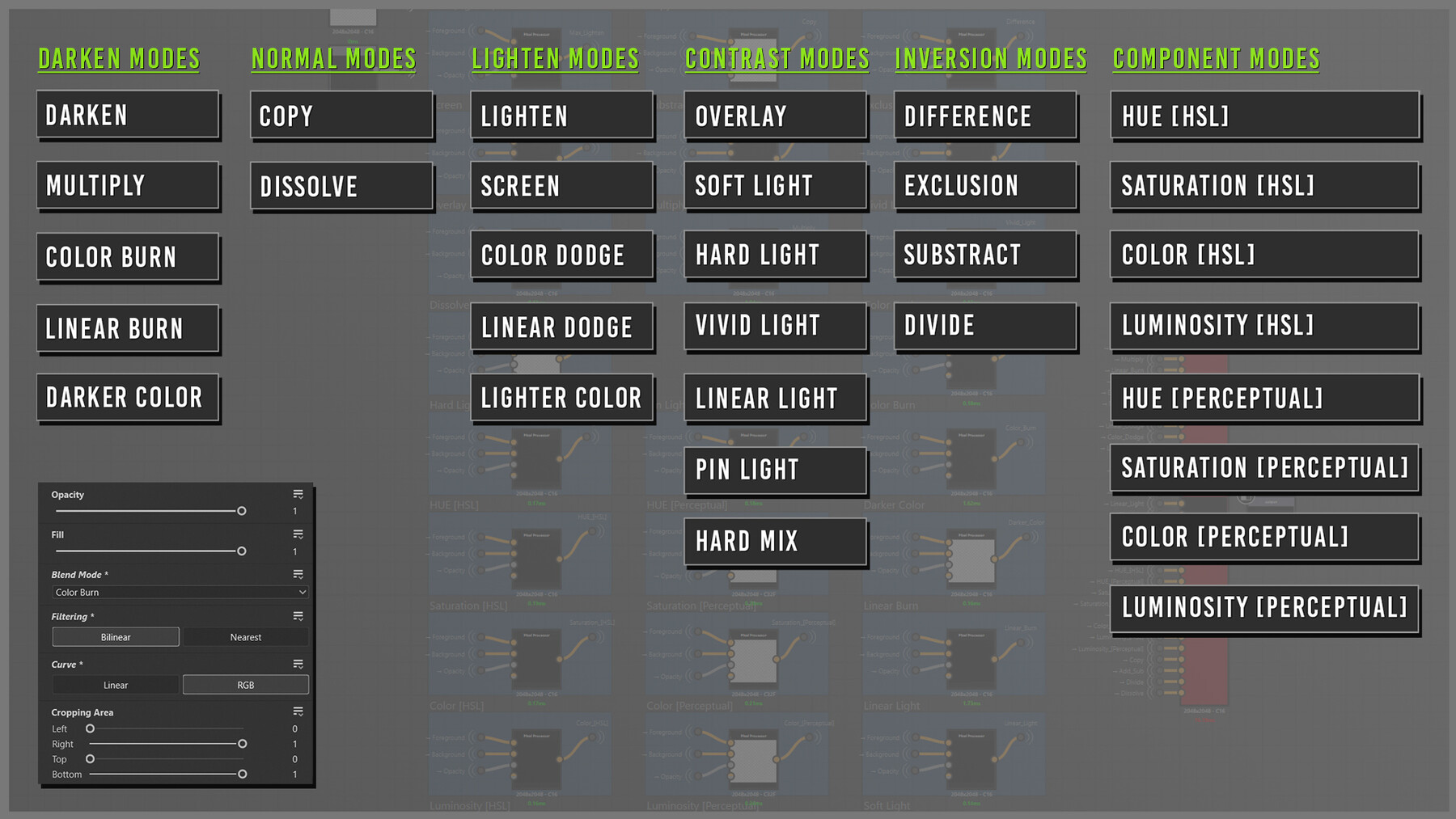
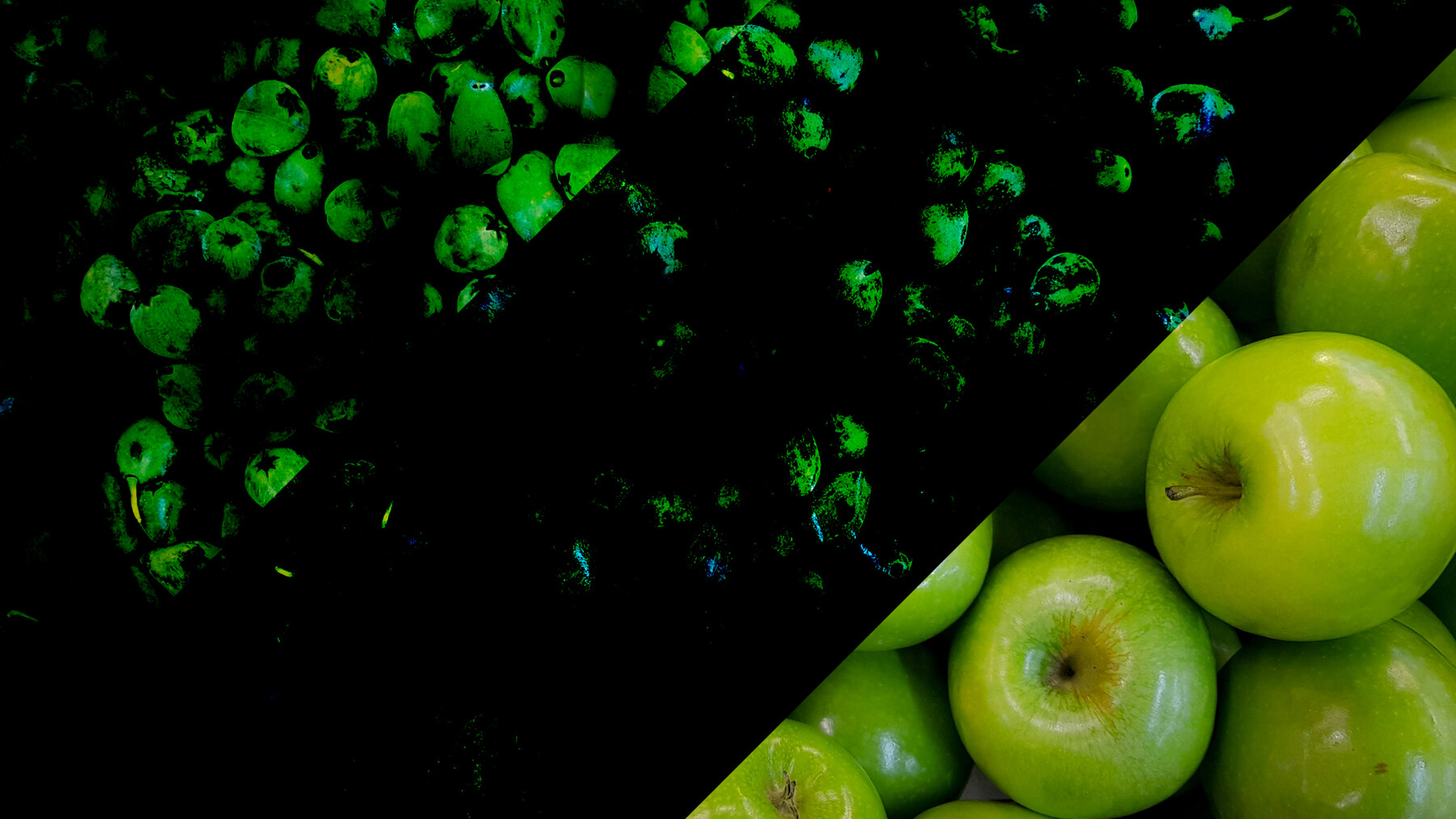
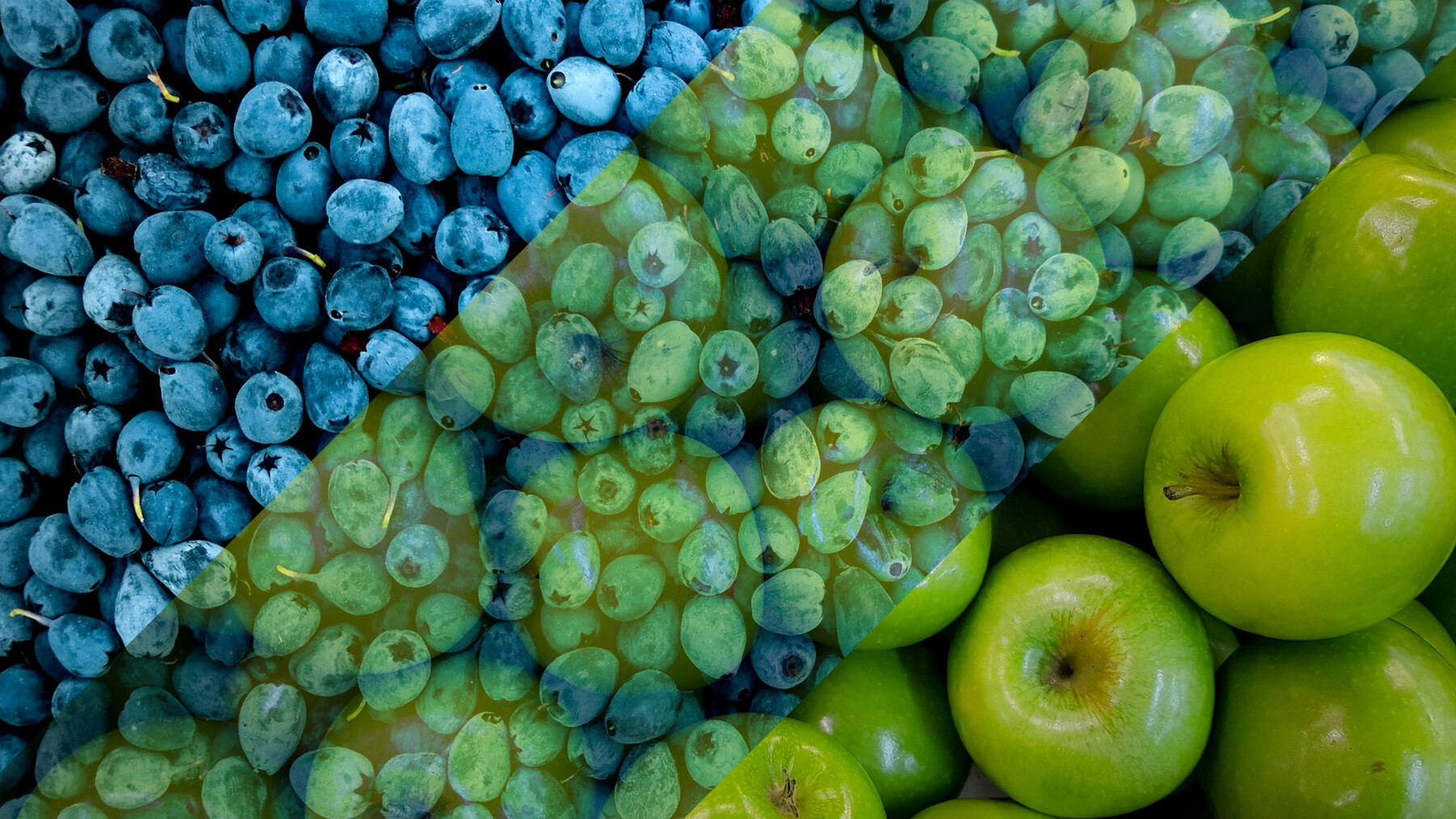
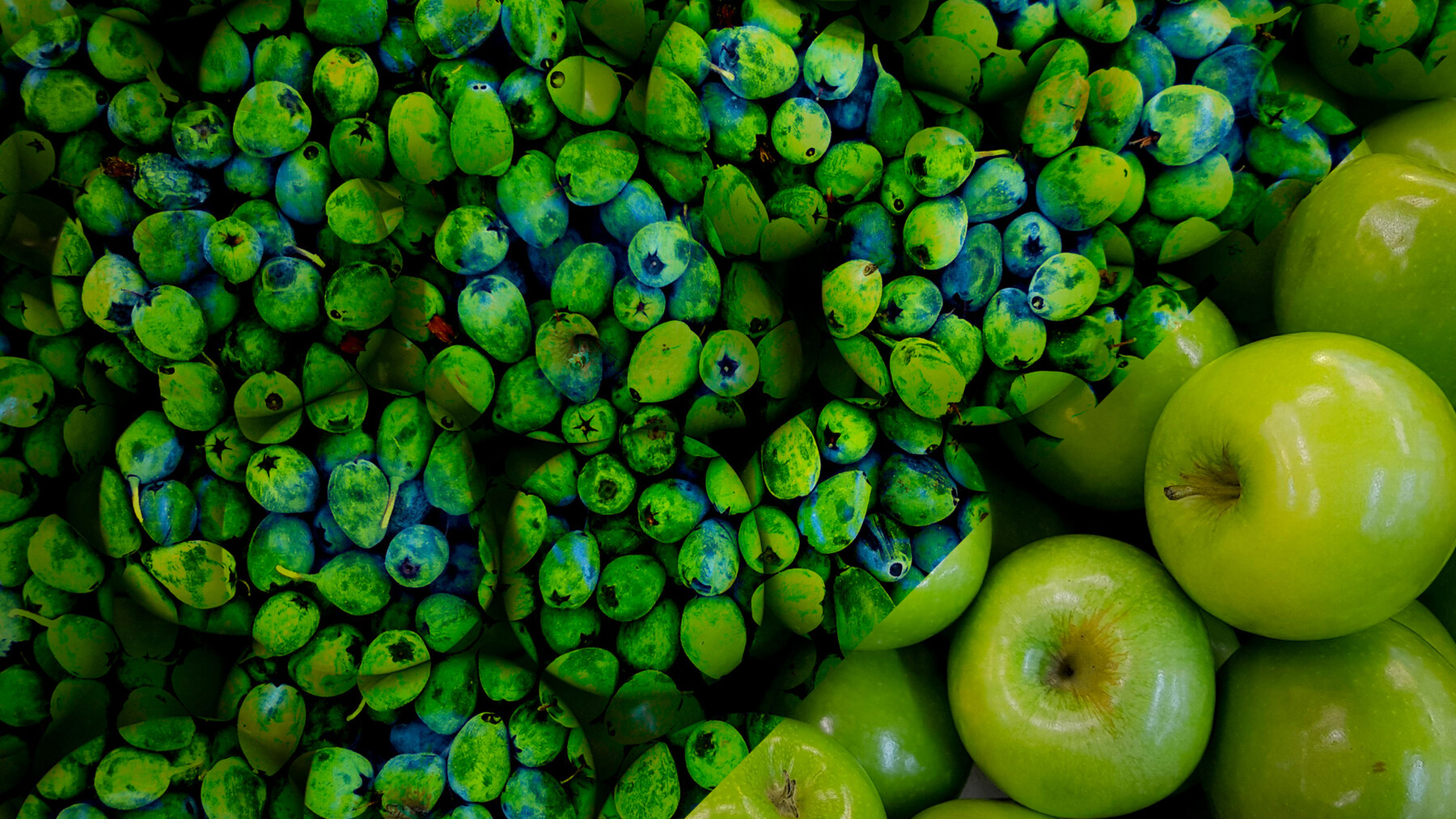
This Node brings the full range of Photoshop-style blending directly into Substance Designer. With 31 blend modes, grayscale support, and advanced calculation options, this node gives you the tools to refine your texture blending workflow without unnecessary complexity.
Key Features:
- Complete Blend Mode Library: Includes 31 blend modes, closely modeled after Photoshop for consistent and versatile results.
- Fill Option: Adjust fill settings on applicable blend modes for added control over your blending effects.
- Linear and RGB Curves: Switch between Linear and RGB Curves for flexible calculation options to suit different use cases.
- Grayscale Version: A dedicated grayscale blending mode simplifies work on height maps, masks, and other monochromatic textures
Blend Modes:
Normal
Dissolve
Darken
Multiply
Color Burn
Linear Burn
Darker Color
Lighten
Screen
Color Dodge
Linear Dodge (Add)
Lighter Color
Overlay
Soft Light
Hard Light
Vivid Light
Linear Light
Pin Light
Hard Mix
Difference
Exclusion
Subtract
Divide
Hue [HSL]
Saturation [HSL]
Color [HSL]
Luminosity [HSL]
Hue [Perceptual]
Saturation [Perceptual]
Color [Perceptual]
Luminosity [Perceptual]
Why Choose Advanced Blend?
This node is designed to provide precision and flexibility without complicating your workflow. Whether you're blending materials, fine-tuning texture layers, or creating masks, tthis Node ensures you have the control you need in a straightforward, accessible package.
Perfect For:
- Texture artists looking for versatile blending options in Substance Designer.
- Projects requiring consistent and reliable blending results.
- Simplifying workflows with a practical and easy-to-use tool.
A practical solution for expanding your blending toolkit in Substance Designer, helping you achieve polished results with less effort.